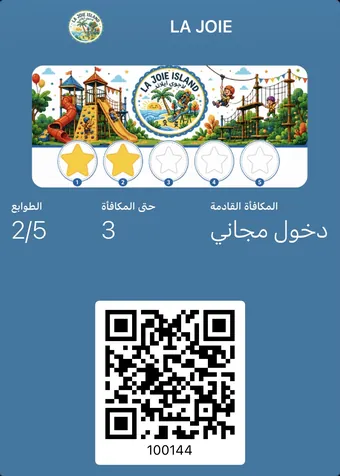
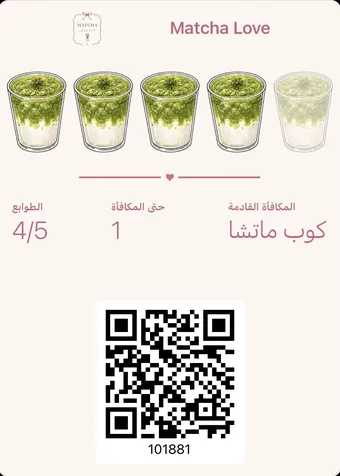
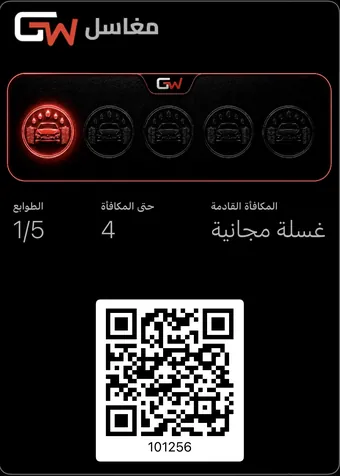
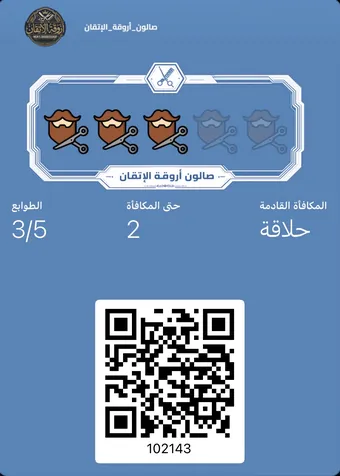
wallet pass craft

Pass craft: small details that change the result

Logo sizing, the back fields, notification timing, where the code sits at the counter. Seven details most merchants skip, and they decide whether it gets used.

7 posts

The short answer

Seven details separate a card your customer uses from one they forget: logo sizing, face contrast, the back fields, notification timing and volume, where the code sits at the counter, what staff say in ten seconds, and how to migrate paper cards without losing anyone.

Latest

wallet pass back fields What should you write on the back of your pass? The back holds your hours, branches, the one-line rule and your Instagram, and stays in their pocket for a year. Seven fields ordered, plus what to leave out. Read the post loyalty card logo size Why does your logo come out cropped on the card? A wide logo gets cropped and a transparent one vanishes on a light background. Four rules that keep it whole on both platforms, with exact sizes to hand over. Read the post designing the pass face How do you design a pass face that reads in one second? Your card will sit beside a bank card and be seen at thumb size. Colour, contrast and where the name sits decide whether it reads as a card or an advert. Read the post when to send a wallet notification When should you send a notification, and how often? A well-timed message gets read and acted on; a badly timed one gets your card deleted for good. A timing table per message type, and a monthly ceiling. Read the post what the cashier should say What does your cashier say in ten seconds? The best card in the world dies if your staff never offer it. Three sentences that work, two that kill it, and a way to make it happen on every receipt. Read the post move paper punch cards to the wallet How do you move paper cards into the phone wallet? The problem is never the technology; it is the customer holding four stamps who refuses to start over. A two-week migration that honours what they earned. Read the post where to put your QR code Where should the QR code sit in your shop? The same code in two different places gives two completely different results. Five positions ranked best to worst, and why the winner is not the obvious one. Read the post

Create your loyalty card now

Pick the type, set the reward, share the QR code. Your customer adds the card to their wallet in under five seconds — with nothing to install.

Create your loyalty card now

The card is issued from the Niqati app. The download is free and the first card is created in the same session.