
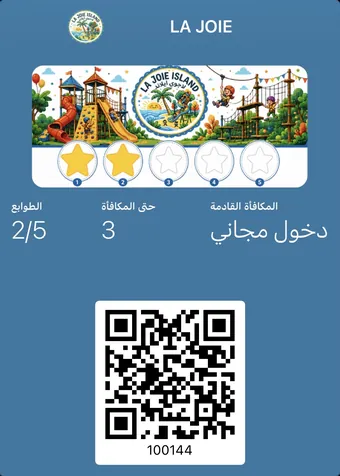
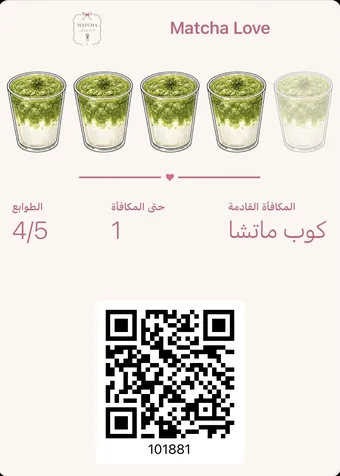
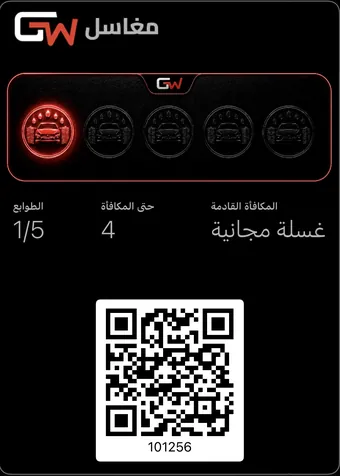
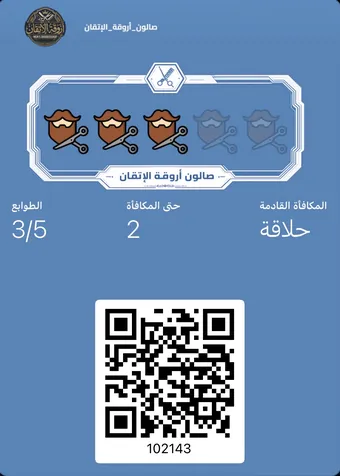
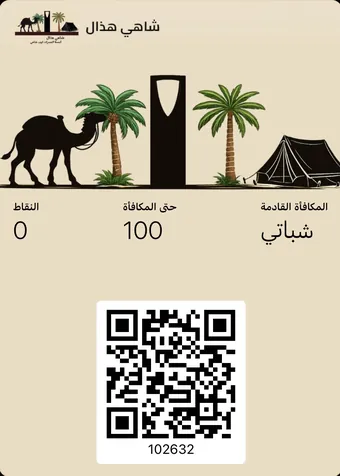
A digital loyalty card is a card saved in the phone wallet — Apple Wallet or Google Wallet — rather than carried on paper. It is added by QR code in seconds, updates itself after every visit, and sends notifications straight to the lock screen. The customer installs nothing to receive it.
Why does a card beat an app?
These get confused constantly, and the difference between them is the difference between a programme that works and one that dies in its second month. A loyalty app asks your customer for a download, a sign-up and a password. A digital card asks for one tap.
| Measure | Digital loyalty card | Loyalty app |
|---|---|---|
| What the customer does | Scans a code and taps "Add" | Searches, downloads, registers, confirms |
| Time to the first stamp | Under five seconds | Minutes, if they finish at all |
| Phone storage | Negligible | Tens of megabytes |
| Where they find it later | In the wallet with their bank cards | On a crowded app screen |
| Notifications | Straight to the lock screen | If permitted, and if not deleted |
| Who drops out halfway | Few | Most, at the sign-up step |
- They scan the code The phone camera is enough. Nothing to download, no app store, no account to create.
- The card page opens One page showing your shop name and the reward, with a single button on it.
- They tap "Add to Wallet" The operating system takes it from there — the same path that adds a boarding pass.
- The card lives in the phone Beside their bank card, updating itself after every visit without them opening anything.
Why "no app" is the real difference
Every extra step between a customer and a card sheds a share of people. Ask for a download and you lose whoever lacks storage or a decent connection at that moment. Ask for a phone number and you lose whoever does not want to be contacted. Ask for a password and you lose whoever will postpone it and never return.
What matters is that this loss happens at the till — the one moment your customer is standing in front of you and willing. A card added in two seconds finishes signing them up before the barista finishes the order; an app needs time nobody in a queue has.
A paper card is silent. This one speaks.
When one stamp is left, or a customer has been away a month, the message lands on their lock screen — no per-message SMS bill, no ad platform in the middle.
- No messaging cost
- No app for the customer
- Read before the phone is unlocked
What happens technically on "Add to Wallet"?
- A digitally signed pass file is generated in your store’s name, carrying the design and the current balance.
- The phone operating system receives it, places it in the wallet, and registers the device with the update service.
- On each new stamp a silent push goes to the device, which pulls the updated pass and replaces the old one.
- The customer opens their wallet and finds the new number, without doing anything and without opening a website.
Frequently asked questions
Does a digital loyalty card need an internet connection?
The customer needs a connection once, to add the card. After that it displays in the wallet even offline, and the post-stamp update arrives when connectivity returns.
Does it work on both Android and iPhone?
Yes. The same QR code opens the right version automatically: Apple Wallet on iPhone, Google Wallet on Android.
What if the wallet is not installed on the customer’s device?
On iPhone the wallet is part of the operating system and cannot be removed. On Android they may need Google Wallet, which is an app from Google itself rather than from your shop.
Can I change the card design after issuing it?
Yes, and the change propagates to your existing customers’ cards automatically. Nothing needs reissuing and nobody has to scan the code again.